
Reference

fbb88 App: Your Lobby on Any Device

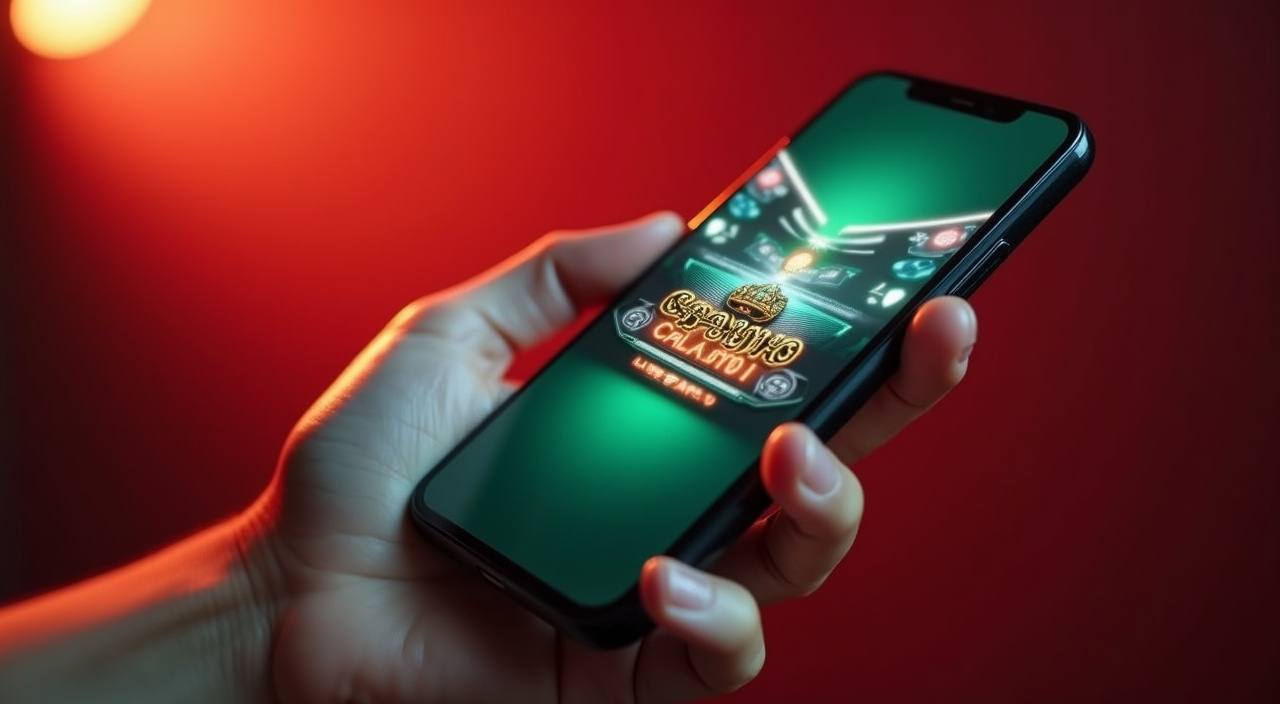
The fbb88 mobile experience runs straight from your phone browser — no waiting on a download to get started. Open your account and the full lobby, including slots, live tables and Cricket TargetBets, loads in seconds.

mobile browser accessquick account logindevice compatibility checkavailability by region
fbb88 fbb88 App: Your Lobby on Any Device
APP FEATURE SET

Four Things the App Does Well

The mobile interface is built around speed and fewer taps. Each feature below solves a real friction point — login, session continuity, display and awareness — so you spend less time navigating and more time in the game.

Biometric Login Enable fingerprint or face unlock once inside account settings. After that, opening the app skips the password screen entirely and drops you straight into the lobby.
Push Alerts Set a notification for any game category or market. The app pings you when Cricket TargetBets opens a new match or when a Crash Ignition round hits a high multiplier phase.
Dark Mode Display The interface switches to a dark layout automatically after sunset or can be toggled manually. Easier on the eyes during late sessions and reduces battery draw on AMOLED screens.
Offline Lobby Preview The last lobby state caches locally, so you can browse game tiles and check your account balance even when your connection drops briefly between pages.
fbb88 Inside the fbb88 Mobile Lobby

Inside the fbb88 Mobile Lobby

Once you're signed in on mobile, the lobby surfaces your most-visited sections first — slot rooms from Pragmatic Play and PG Soft, live tables streamed by Evolution, and the sportsbook where cricket markets sit at the front. The betslip stays pinned so you can add selections without losing your place. Push notifications alert you when a market you've saved opens or when

a new slot feature room goes live. Quick deposit ties directly to your account wallet, so funding a session takes fewer taps than it would on desktop. Players in Dhaka reach the full lobby in seconds on a standard mobile connection.

Which Devices Work With fbb88

Most phones released in the last four years handle the fbb88 mobile lobby without issues. The checklist below covers the main requirements so you can verify your setup before opening an account.

Browser requirementA current version of Chrome, Firefox, Edge or Safari. The lobby uses WebGL for some slot titles, so browser updates matter more than phone age.
Screen layoutThe interface reflows for screens from 360px wide upward. Landscape mode works on tablets; portrait is the default on phones.
Account requirementsA verified fbb88 account with a confirmed mobile number. Account access on mobile follows the same identity-check process as desktop.
Supported connection types4G, 5G and stable Wi-Fi all work. Live table streams from Evolution require a steadier connection than slots; 3G may buffer on HD tables.
How to check your deviceOpen fbb88 in your browser and navigate to the live casino section. If Evolution tables stream without stalling, your device and connection meet the full requirement.
fbb88 Mobile Access in 3 Simple Steps

Mobile Access in 3 Simple Steps

Getting into the fbb88 lobby on mobile does not require an app-store listing or an APK file. The browser path is straightforward and works on current Android and iOS devices. First, open the current fbb88 address in your phone browser — Chrome on Android and Safari on iOS both handle the session layout correctly. Second, check that your browser is updated; an

older version may not render the live table streams from Evolution or load the Baccarat GlistenZone table correctly. Third, sign in with your account credentials and enable biometric login if your device supports it, so future sessions open faster. If you see a prompt to add the site to your home screen, accepting it creates a shortcut that behaves like an installed

app without any download.

  • Open fbb88 in your browser — Type the address directly or follow a saved bookmark — no app store visit needed.
  • Confirm browser compatibility — Chrome 110+ on Android and Safari 16+ on iOS handle all lobby features without issues.
  • Sign in and set biometric access — Log in once, then enable fingerprint or face unlock in account settings for faster re-entry.
  • Add to home screen — Use your browser's share menu to pin a shortcut — it opens full-screen, no address bar.

Questions About fbb88 Mobile Access

Real questions from people setting up mobile access for the first time — answered the way our account team would.

No download is required. The full lobby runs in your mobile browser. Open fbb88, sign in, and you're in — slots, live tables and the sportsbook all load the same way.

After signing in, go to account settings and look for the biometric login option. Enable it once and your device handles authentication from that point forward.

Yes. The deposit flow on mobile works the same as desktop. Select bKash, Nagad or Rocket in the cashier, follow the wallet steps shown, and confirm with your PIN.

Check the fbb88 site directly for the current status of any native app build. What's available can change, and the site is always the accurate source for download links.

Live streams from Evolution need a stable connection. Try switching from 3G to 4G or Wi-Fi. Also confirm your browser is updated — older Safari and Chrome versions can block the stream.

Access depends on your local law and the eligible regions confirmed on the fbb88 site. Check the current terms for the region coverage that applies to your account.
Reference

fbb88 App

Service availability depends on eligible regions and local law. Users should check local rules before opening an account.

Access may be available only where local law permits.